
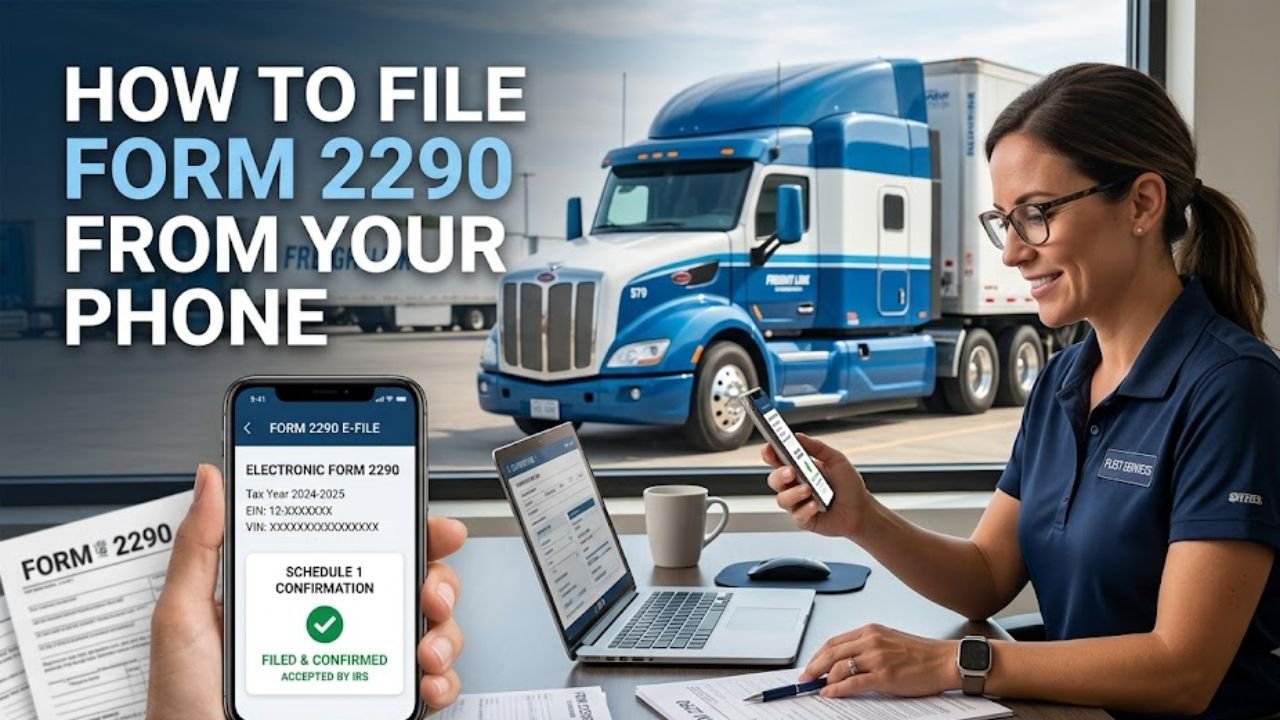
For truck owners and fleet operators, Form 2290 filing is one of those tax tasks that needs to be handled correctly and on time. The good news is that you don’t necessarily need a desktop computer to complete the process. You can file IRS Form 2290 electronically from a smartphone through an IRS-authorized e-file provider.
Mobile filing can be useful when you’re on the road, working from a yard, or simply prefer handling tax paperwork from your phone. Before you start, however, you’ll need a few important vehicle and business details.
Here’s what to know about filing Form 2290 from your phone and what information you should have ready.
What Is Form 2290?
IRS Form 2290, also called the Heavy Highway Vehicle Use Tax Return, is used to report and pay the federal Heavy Highway Vehicle Use Tax (HVUT) for certain heavy highway motor vehicles.
Generally, the tax applies to taxable highway motor vehicles with a taxable gross weight of 55,000 pounds or more that are operated on public highways.
Form 2290 isn’t limited to simply reporting the tax. Depending on the vehicle and situation, the return can also be used to report suspended vehicles, certain exemptions, mileage use, and other information required by the IRS.
Because the information on the return is tied to individual vehicles, having accurate records is important before you begin filing.
Can You File Form 2290 From a Smartphone?
Yes. Form 2290 can be filed electronically using an IRS-authorized e-file provider that supports mobile access.
A smartphone can be enough to complete the filing when you have your required information available. The process generally involves entering your business details, adding vehicle information, reviewing the return, submitting it electronically, and paying any tax due.
For truck owners who spend much of their time away from an office, this can be a convenient alternative to waiting until they have access to a computer.
Information You Need Before Filing
Mobile filing is easier when you collect your information beforehand. The most important details include your EIN, VINs, taxable gross weight, and the first-used month of the vehicle.
Employer Identification Number
You’ll need your Employer Identification Number (EIN) to file Form 2290. The IRS does not accept a Social Security number in place of an EIN for Form 2290. If you have recently obtained an EIN, make sure it is available for IRS filing purposes before starting the electronic filing process.
Vehicle Identification Number
You’ll need the VIN for each vehicle being reported.
VINs are especially important because Form 2290 reporting is vehicle-specific. Check each VIN against your vehicle records before submitting the return. An incorrect VIN can create problems with the information reported to the IRS.
Taxable Gross Weight
The vehicle’s taxable gross weight is another key part of Form 2290. This information determines the applicable HVUT category and therefore affects the tax calculation. Use the vehicle’s relevant weight information rather than estimating the category while completing the return.
First-Used Month
You also need to know the month in which each vehicle was first used on public highways during the tax period. The first-used month matters because the amount of HVUT can vary depending on when a taxable vehicle is first used during the tax period.
How to File Form 2290 From Your Phone
Once your records are ready, you can begin the electronic filing process from your smartphone.
1. Open an Authorized E-File Provider
Use your mobile browser to access an IRS-authorized Form 2290 e-file provider, such as Truck2290. The provider’s filing system will take you through the information required for the return. You don’t need to manually prepare and mail a paper Form 2290 when using an electronic filing option.
2. Enter Your Business Information
Start by providing the business information requested by the filing system, including your EIN and business details. Take a moment to compare the information with your existing tax records. Small data-entry mistakes are easier to catch before submission than after a return has already been filed.
3. Add Your Vehicle Information
Enter the required information for the vehicles you’re reporting. This can include the VIN, taxable gross weight, and first-used month. If you’re filing for multiple vehicles, review each entry individually instead of assuming that the information is identical across the fleet.
4. Review the Return
Before clicking the final submit button, review the complete return. Pay particular attention to:
- EIN
- Business name and address
- VINs
- Taxable gross weight
- First-used month
- Taxable vehicle information
- Suspended or exempt vehicle information, if applicable
- Calculated tax
This review is particularly useful when filing from a small phone screen, where typing errors can be easier to overlook.
5. Submit and Pay the Tax
Once you’ve reviewed the return, submit it electronically through the e-file provider.
If tax is due, you can use an available IRS payment method. Depending on the circumstances, payment methods can include electronic funds withdrawal, EFTPS, or debit or credit card.
Remember that the tax itself and any separate service or payment processing fees are different charges.
What Happens After You File?
After the IRS accepts the electronically filed return, you’ll receive an accepted Schedule 1. The stamped Schedule 1 is commonly used as proof of Form 2290 filing and payment or satisfaction of the tax requirement, as applicable.
When filing electronically, the accepted Schedule 1 can be delivered electronically through the filing provider. This means you don’t necessarily have to wait for a paper copy to arrive by mail.
Keep the accepted Schedule 1 with your tax and vehicle records for future reference.
What If You Don’t Want to File It Yourself?
Not every truck owner is comfortable entering tax information on a smartphone. That’s where assisted filing can be useful.
Truck2290 can provide filing assistance for customers who prefer to speak with a representative rather than complete the entire process independently.
You can contact Truck2290 at:
Email: support@truck2290.com
Phone: +1-316-225-6365
If you’re using an assisted filing service, keep your EIN, vehicle VINs, taxable gross weights, first-used months, and other relevant information nearby so the representative can work with accurate information.
A Few Things to Check Before Submitting Form 2290
Filing from a phone may be convenient, but convenience shouldn’t replace careful review.
Before submitting your return, check that:
- Your EIN is correct.
- Each VIN has been entered accurately.
- The taxable gross weight is correct for each applicable vehicle.
- The first-used month is correct.
- Suspended or exempt vehicles have been reported under the appropriate category.
- Your payment information is accurate if you owe tax.
- You have saved or can access your accepted Schedule 1 after IRS acceptance.
These simple checks can help you avoid unnecessary data-entry problems.
File Form 2290 From Your Phone With Truck2290
You don’t have to wait until you’re back at your desk to handle your Form 2290 filing. With an IRS-authorized e-file provider, you can access the electronic filing process from your smartphone and submit the required information online.
Truck2290 is an IRS-authorized Form 2290 filer that provides electronic filing for truck owners and businesses. If you prefer to complete the process yourself, you can use the online filing system. If you’d rather have assistance, you can contact the support team.
Having your EIN, VINs, taxable gross weights, and first-used months ready can make the process much smoother, whether you’re filing from a computer or your phone.